
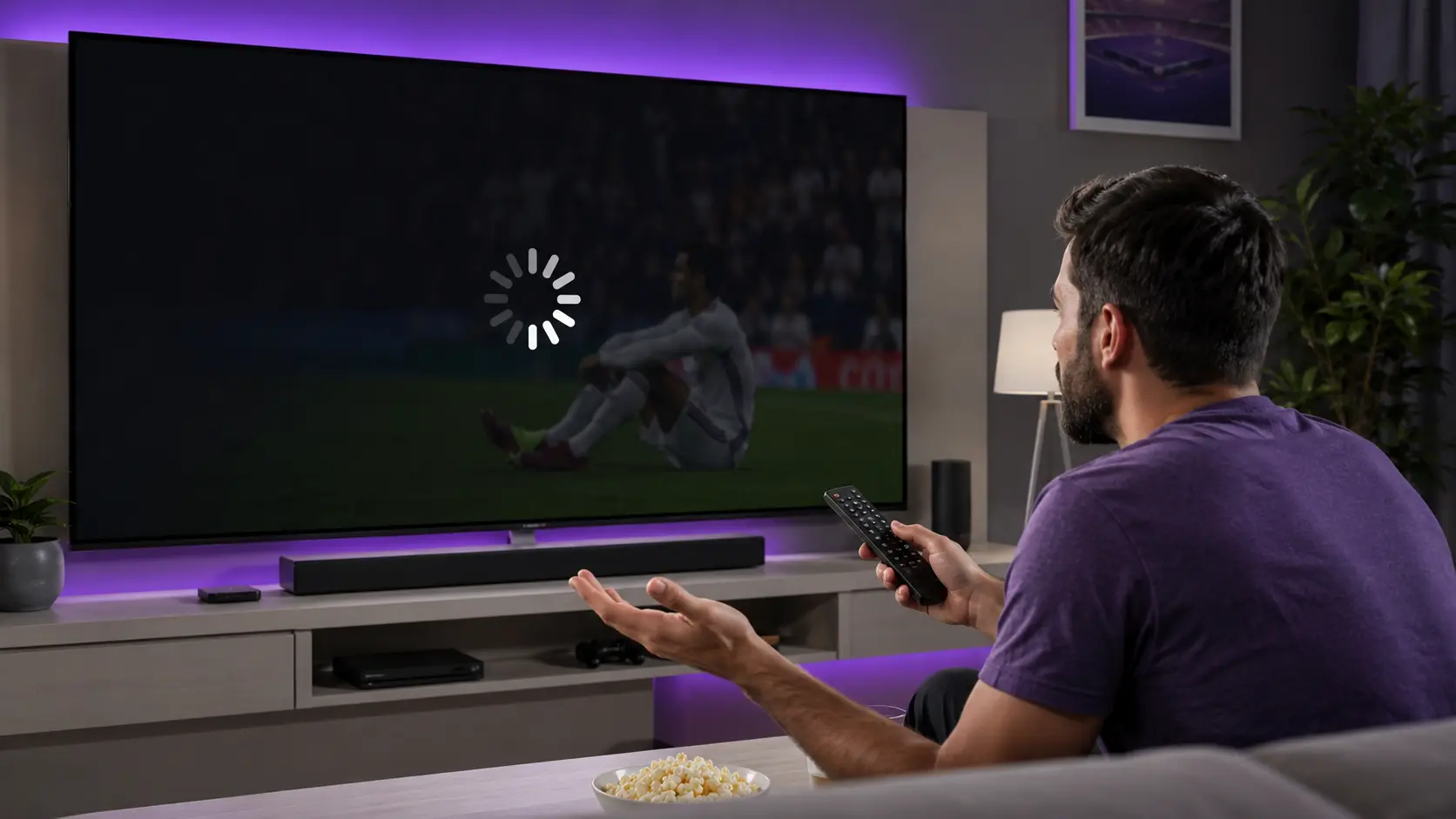
Few things are more frustrating than IPTV buffering in the middle of your favourite show or a live game. The good news: in most cases it's a quick fix on your end, not a broken service. This guide explains why IPTV buffering happens and gives you 8 proven fixes, in order — start at the top and work down until it's smooth.
Whether you're on a Firestick, Smart TV, Android, iPhone or PC, these steps apply to every device. And if you've tried everything and it still stutters, we'll show you the one thing that fixes IPTV buffering for good — a stable provider.
What's in this guide
Why does IPTV keep buffering?
IPTV buffering happens when your player can't download the stream fast enough to keep playing, so it pauses to "catch up". The usual culprits are:
Slow / unstable internet
Not enough speed, or Wi-Fi dropping out — the number one cause of IPTV buffering.
Weak Wi-Fi signal
Distance or walls between your router and device weaken the connection.
ISP throttling
Some ISPs slow down streaming traffic at peak times.
App cache / settings
A full cache or a small buffer size makes playback stutter.
Work through the 8 fixes below in order — they're sorted from most to least common cause of IPTV buffering.
8 fixes to stop IPTV buffering
Test & boost your internet speed
Run a speed test. You want 15+ Mbps for HD and 25+ Mbps for 4K. If it's low, restart your router and reduce other devices using the network.
Use a wired or 5GHz connection
An Ethernet cable is best. On Wi-Fi, connect to the 5GHz band and move closer to the router — this alone fixes most IPTV buffering.
Clear the app cache
Go to Settings → Apps → IPTV Smarters Pro → Clear cache. A bloated cache is a common cause of stutter.
Increase the buffer size
In the app's player settings, raise the buffer / cache size so it preloads more of the stream before playing.
Close background apps
Free up memory and bandwidth by closing other apps and downloads running in the background.
Switch the player / decoder
If one channel won't play, change the decoder to hardware / ExoPlayer / VLC in the app settings.
Restart the app and device
A simple reboot of the app and your device refreshes the connection and clears temporary glitches.
Update the app (and try a VPN)
Make sure IPTV Smarters Pro is up to date. If your ISP throttles streaming, a VPN can stop the slowdown.
The permanent fix: a stable IPTV provider
If your internet is fine but you still get IPTV buffering — especially during big live sport — the problem is your provider's servers, not you. Cheap or overloaded services buffer at peak times no matter what you do.
IPTV Smarters Pro runs on Anti-Freezing™ load-balanced servers built for peak-time streaming, so matches stay smooth when other services drop out. You get 65,000+ channels and 120,000+ movies in 4K, with instant activation and 24/7 support.
IPTV Smarters Pro Plans & Pricing
One-time payment · instant activation · 7-day money-back guarantee
1 Month
- 65,000+ live channels
- 120,000+ movies & series
- 4K · UHD · FHD · HD
- Anti-Freezing™ tech
- 24/7 support
3 Months
- 65,000+ live channels
- 120,000+ movies & series
- 4K · UHD · FHD · HD
- Anti-Freezing™ tech
- 24/7 support
6 Months
- 65,000+ live channels
- 120,000+ movies & series
- 4K · UHD · FHD · HD
- Anti-Freezing™ tech
- 24/7 support
12 Months
- 65,000+ live channels
- 120,000+ movies & series
- 4K · UHD · FHD · HD
- Anti-Freezing™ tech
- 24/7 support
Prices shown for 1-device plans. Switch the tabs above for 2 & 3-device pricing. See all options on the pricing page.
Fix IPTV buffering by device
The fixes above work everywhere, but here are the exact setup guides for your device if you want to reinstall or reconfigure:
Still buffering? Provider-side checks
- Only some channels buffer? That's a server issue on the provider's side — try again later or contact support.
- Everything buffers? It's almost always your network — recheck fixes 1–2.
- Buffers only at night? Peak-time congestion — a premium provider with load balancing solves this.
- Message our team on WhatsApp and we'll switch you to a faster server.
✅ Key takeaways
- Most IPTV buffering is a network issue — use a wired or 5GHz connection first.
- Clear the cache and increase the buffer size in the app settings.
- If only some channels buffer, it's the provider's server — not you.
- For peak-time sport, a stable provider like IPTV Smarters Pro with Anti-Freezing™ servers is the permanent fix.
Stop buffering for good
Switch to IPTV Smarters Pro — Anti-Freezing™ servers, 65,000+ channels in 4K, instant activation and a 7-day money-back guarantee.
💬 Get Started on WhatsAppFrequently asked questions
Why does my IPTV keep buffering?
IPTV buffering is usually caused by slow or unstable internet, a weak Wi-Fi signal, ISP throttling, or a full app cache. Use a wired or 5GHz connection, clear the cache and increase the buffer size to fix it.
How do I stop IPTV buffering on Firestick?
Connect to 5GHz Wi-Fi or Ethernet, clear the IPTV Smarters Pro cache, increase the buffer size, close background apps and restart the device. See our Firestick guide.
What internet speed do I need for IPTV?
Aim for at least 15 Mbps for HD and 25 Mbps or more for 4K. A wired connection is the most stable for avoiding IPTV buffering.
Why does IPTV only buffer at night?
Night-time buffering is usually peak-hour congestion — either your ISP or an overloaded provider. A provider with Anti-Freezing™ load-balanced servers like IPTV Smarters Pro keeps streams smooth at peak times.
Does a VPN help with IPTV buffering?
Yes, if your ISP throttles streaming traffic. A VPN hides that traffic and can stop the slowdown, though it may slightly reduce raw speed.
My IPTV buffers on every channel — what's wrong?
If every channel buffers, it's almost always your network. Recheck your internet speed and connection. If only some channels buffer, it's the provider's server.